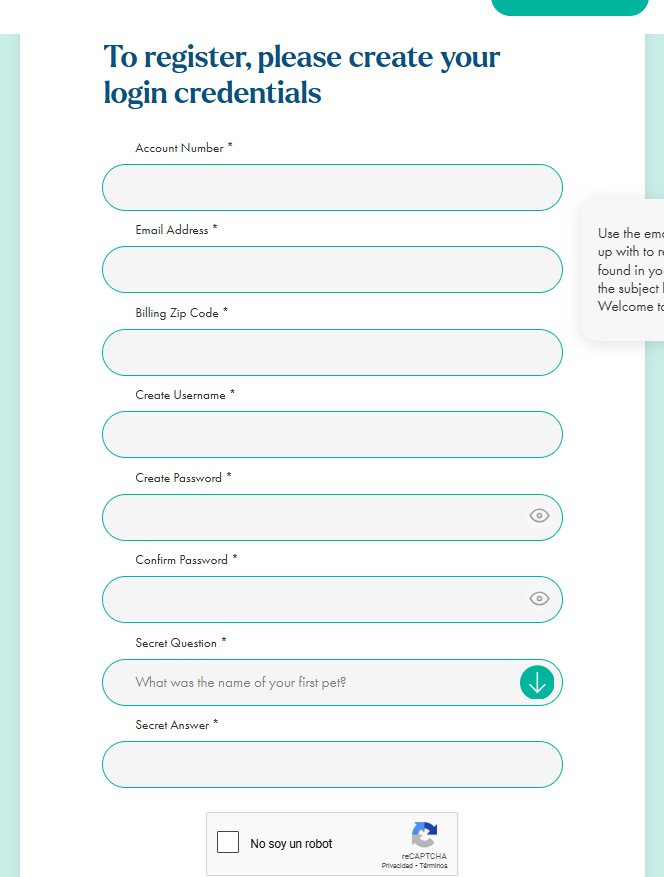
Enter your account number (this can be found under the ‘Your Account Details’ section of your welcome email)
Enter email address and zip code (Note: The email address must match the one used when enrolling for service and the zip code should be the one on your billing address)
Create a username, password and security question
Registration Form required fields
Account number (this can be found under the ‘Your Account Details’ section of your welcome email)
The email address must match the one used when enrolling for service
The zip code should be the one on your billing address
You will need to create a username
Passwords must be 12 characters long and must contain at least one uppercase letter, one lowercase letter, one number, and one special character (!@#$%^&*)
Set up a secret question and answer
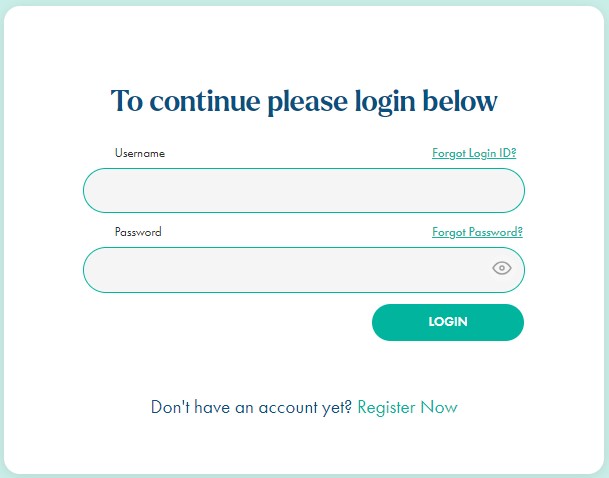
You are now able to log in for the first time
Next you will need to setup the Two-Factor Authentication method and select your default account (In case of multiple accounts)
Set up two-factor authentication
Upon your first login, you will need to set up 2FA authentication.
After login, you will see this popup where you can select the preferred method: Google Authenticator App, Microsoft Authenticator App, Email One-Time Passcode (OTP), or SMS Verification.
Validate the 2FA Code
After selecting an authentication method, you’ll be prompted to either scan a QR code (if the selected method was either Google or Microsoft’s authenticator apps), or to retrieve the code from an SMS/Email that was sent to the account’s phone number/email address. This code is a unique 6-digit number.
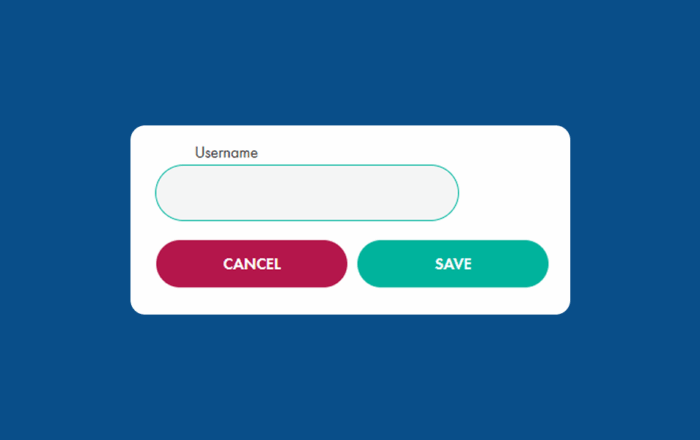
Learn how to reset your BKV Energy customer portal username. How to reset your BKV Energy username 1. Log in
Get $50 off your electricity bill!
Discount code: BKVEJOINUS50
Enter your zip to shop BKV Energy's fixed-rate electricity plans.
Manage Consent
We use cookies to enhance your site experience, improve functionality, and analyze visitor usage. By clicking "Accept All," you consent to our use of all cookies. If you prefer to decline statistics and marketing cookies, you can opt out at any time by clicking "Cookie Info & Settings" below and navigating to "Manage your opt-out preferences."
Functional Always active
The technical storage or access is strictly necessary for the legitimate purpose of enabling the use of a specific service explicitly requested by the subscriber or user, or for the sole purpose of carrying out the transmission of a communication over an electronic communications network.
Preferences
The technical storage or access is necessary for the legitimate purpose of storing preferences that are not requested by the subscriber or user.
Statistics
The technical storage or access that is used exclusively for statistical purposes.The technical storage or access that is used exclusively for anonymous statistical purposes. Without a subpoena, voluntary compliance on the part of your Internet Service Provider, or additional records from a third party, information stored or retrieved for this purpose alone cannot usually be used to identify you.
Marketing
The technical storage or access is required to create user profiles to send advertising, or to track the user on a website or across several websites for similar marketing purposes.