Same-Day Electricity Service
< 1 minute readNeed your electricity turned on fast? BKV Energy offers same-day service for eligible customers when applications are submitted on time

2 minute read • Last update December 2024
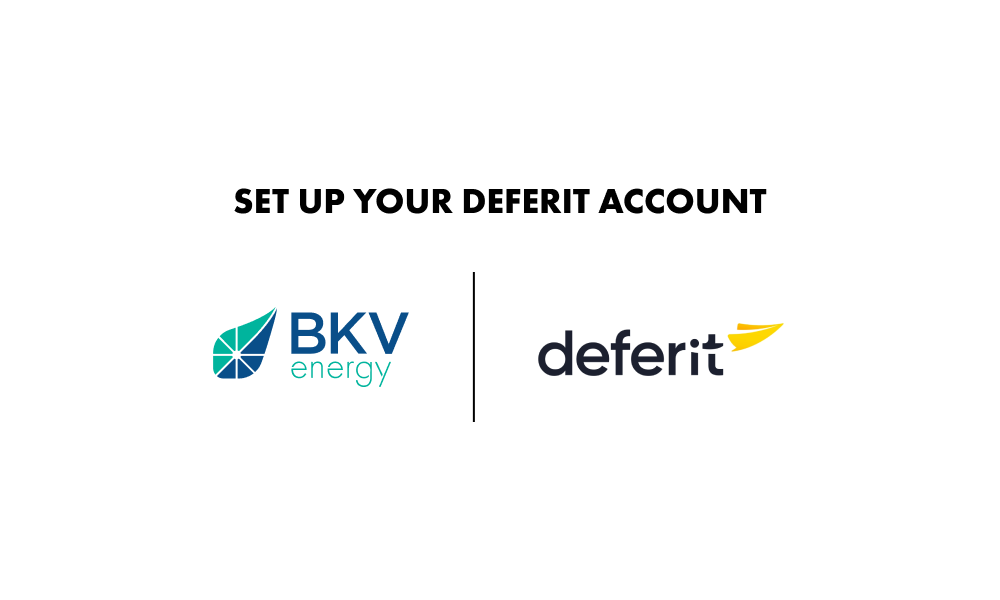
1. After submitting your enrollment, you are presented two options: SET UP DEFERIT ACCOUNT and PRINT MY DOCUMENTS
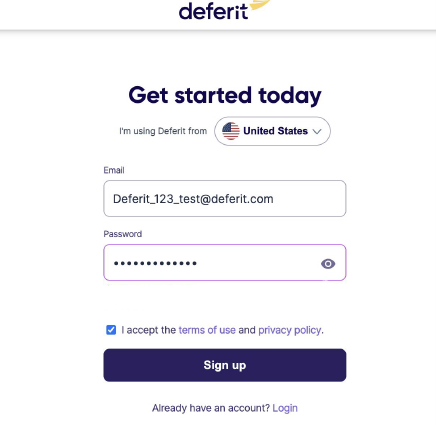
2. Clicking SET UP DEFERIT ACCOUNT will take you to the Deferit website where you begin creating your account. Enter the email address you used when enrolling with BKV Energy and enter a password. Then, click the Sign Up button.
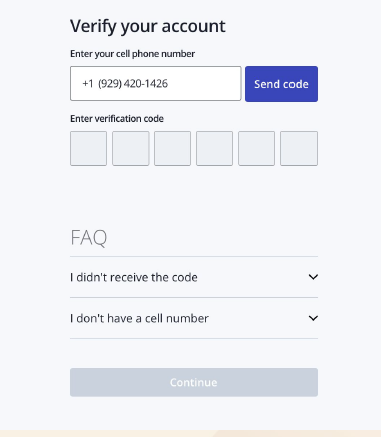
3. Next, you’ll be asked to set up Two Factor Authentication to further secure your account.
4. Next you will be asked to select from a few different membership options and set up payment by placing a card on file, which can be used later to pay your electricity deposit.
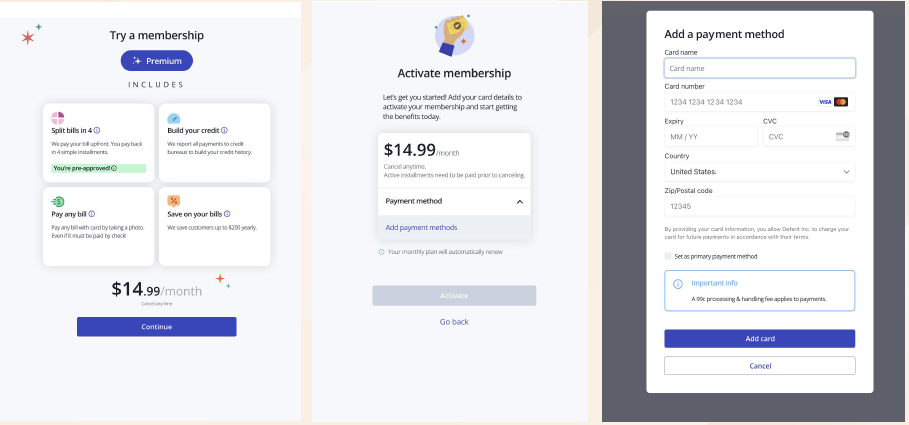
5. After providing a credit or debit card, you will be asked to active your membership.
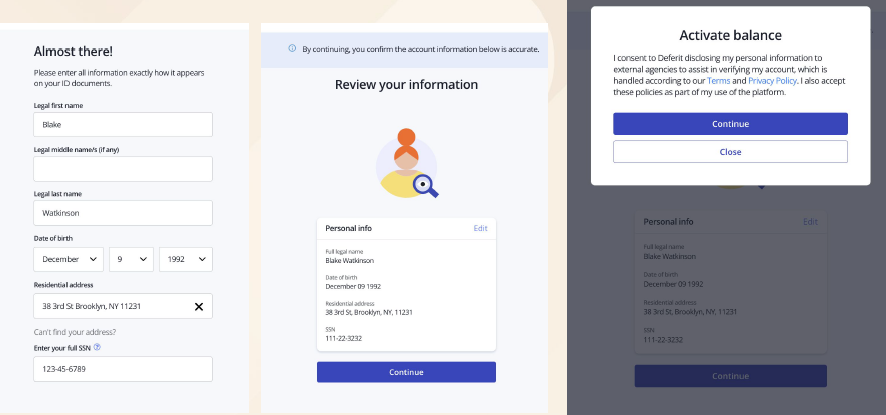
6. Once you have activated your membership, you will be asked to provide some personal information which will be used to conduct a soft credit check (it will no impact your credit score).
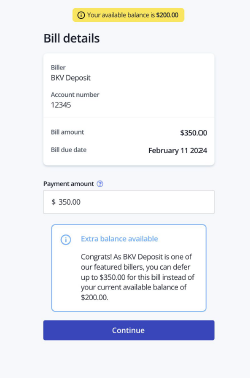
7. Depending on the outcome of the soft credit check, you may be asked to provide additional verification information. Otherwise, you will proceed to the deposit payment screen.
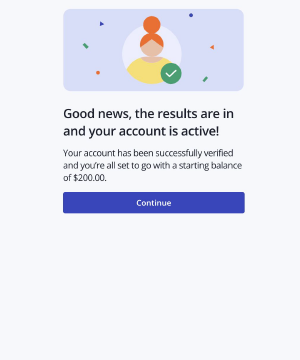
8. Click Continue to proceed.
9. Click Continue again.
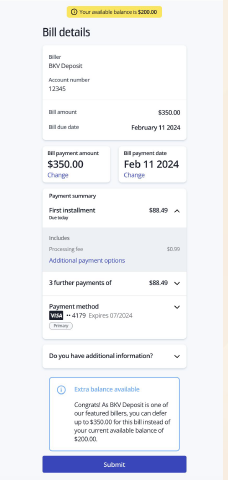
10. Deferit presents a summary of the upcoming payment installments. If everything looks correct, click Submit to proceed.