Same-Day Electricity Service
< 1 minute readNeed your electricity turned on fast? BKV Energy offers same-day service for eligible customers when applications are submitted on time

< 1 minute read • Last update November 2025
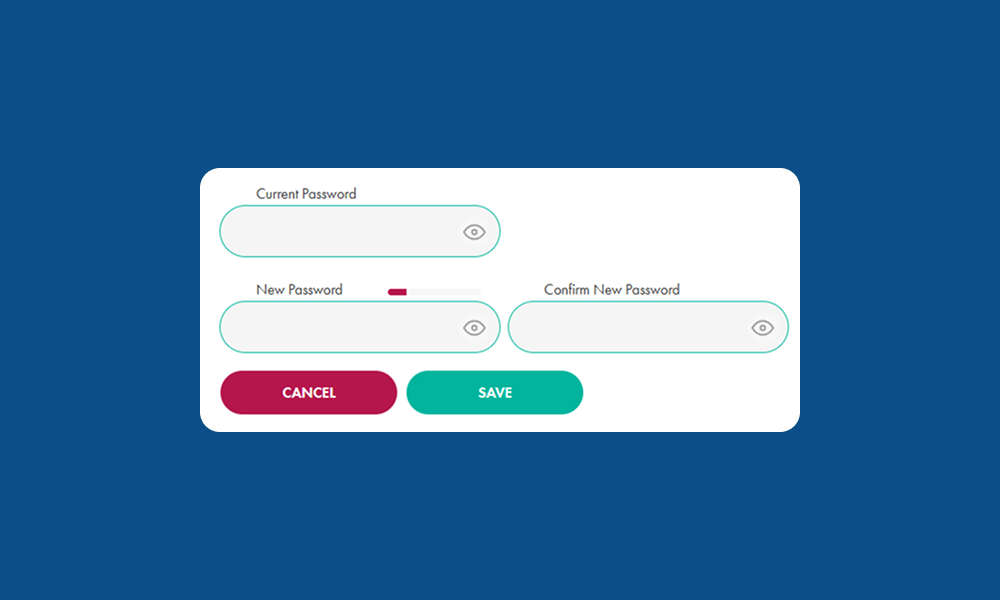
Learn how to reset your BKV Energy customer portal password.
1. Log in to your account: https://bkvenergy.com/account/login
2. From the dashboard page, click the circle with your initials at the top right
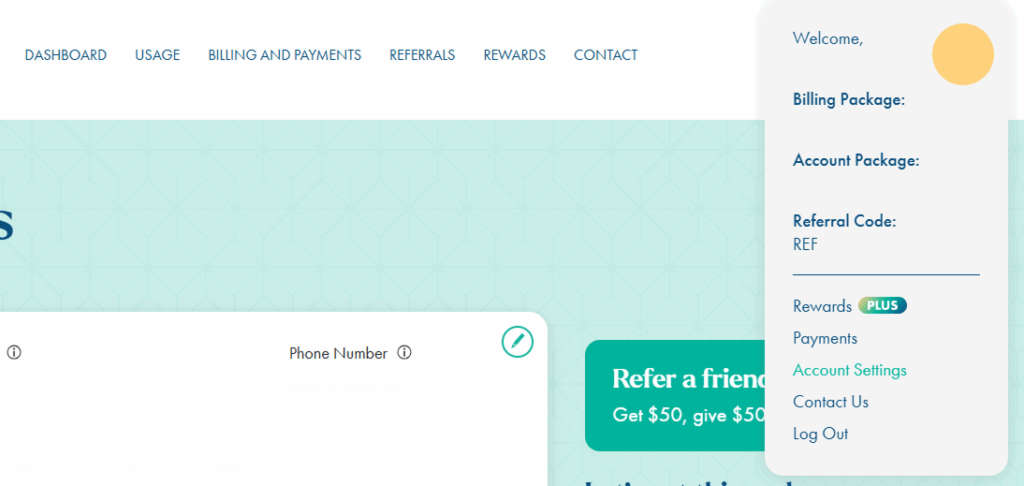
3. From the dropdown, select Account Settings
4. On the Account Settings page, scroll down until you see the section titled Login Information
5. Select the green pencil icon at the top right of the Login Information section
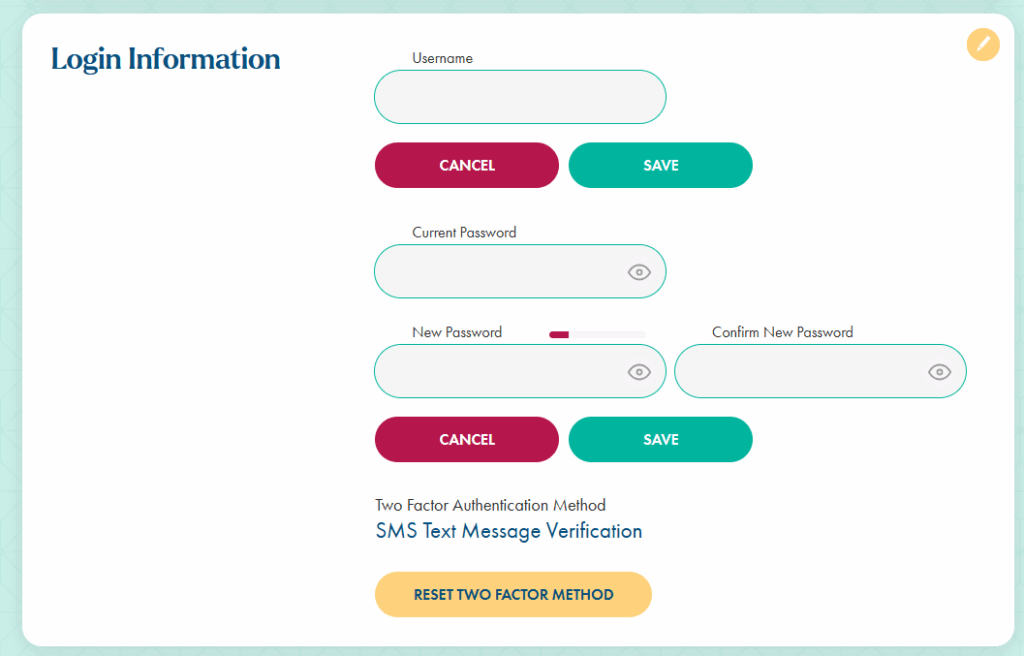
6. Type in your current password
7. Create a new password
8. Save! Your password has been reset.
If you cannot log in to your account because you’ve forgotten your current password, please refer to the How to Recover Forgotten Password article.